Is your Fitbit showing the wrong time and you don’t want to use the mobile app? This guide shows simple and easy step by step ways for how to change time on Fitbit in 2025 with the app from the web dashboard. And you don’t need to worry about it because you are not alone in this problem. Many people face this problem but after reading this complete guide you will easily fix any problem related to time and date setting on your Fitbit.
Table of Contents
How to Change Time on Fitbit (Quick Overview)
You must follow and apply all the steps below carefully and step by step Change Time on Fitbit Without App. We hope your issue will be solved. Just apply the simple steps given below properly to your device.
If this problem continues, check advanced settings or ask a Fitbit moderator for help.
- Simple steps to change time on your Fitbit.
- Open your FitBit app on your phone.
- Tap the today tab then tap your profile picture (top left).
- Tap the setting icon (gear icon).
- Go to account settings.
- Tap app setting.
- Select times according to your time zone where you live or where you go like travelling or other locations with your present country.
- Then choose one of the following options.
- Turn on set automatically for automatic time updates Or select your time zone manually from the list.
- Send your Fitbit device to apply the changes.
Why is my Fitbit not Showing the Correct Time?
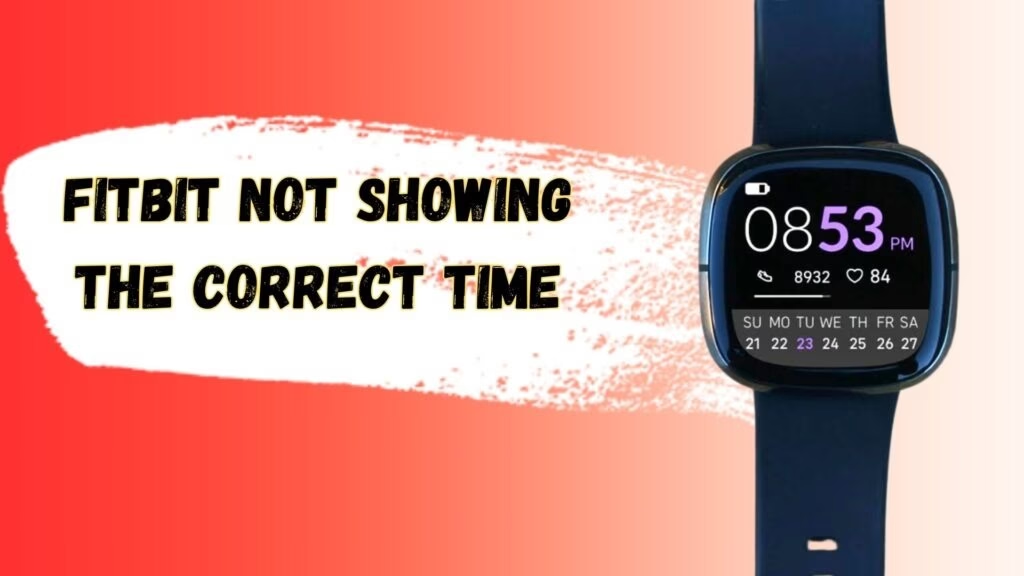
Common causes for wrong time or Fitbit include: a disabled automatic time zone on your phone, failed sync between phone and device, or incorrect time zone selected in your Fitbit account so first check for any error from above and then apply the fixes that we will tell you in this blog.
For example, if you have recently traveled to a different country, and your device’s time zone is not matching with that location’s time zone, then your time will show incorrectly.
Solution
- Enable automatic time zone on your phone.
- Open the Fitbit app and force a sync.
- Check the time zone in your Fitbit web dashboard and save.
Can I Fix the Date and Time on my Fitbit Device Without App?
You need the Fitbit app over the Fitbit web dashboard to change the time. If you can’t access the app you can still update that time zone from the Fitbit web dashboard from their official site (Fitbit.com). Purely offline changes on the device itself are not available on most models.
Solution
- To correct the time and set the time zone, you need to connect your mobile with the device once.
- When you connect manually with your device, then you can go into the app and set it automatically.
- After that, when your mobile is not with you, you can only change a few limited and basic settings without the app — but time and other advanced settings cannot be done without the app.
How Do I Force My Fitbit Device to Sync Time?
1. Open the Fitbit app and ensure Bluetooth is on.
2. On the two day tab down to force a sync.
3. If sync fails to restart your phone and restart the Fitbit device.
4. If that still faces try toggling bluetooth off/on and then sync again.
Note: add a one line command for restarting the Fitbit model if possible.
Change Time Using Fitbit Web Dashboard (No mobile app required)

This is also an easy method. You can correct the date, time, and zone without opening the app on your mobile.
For this, follow and apply the steps given below:
- Open your browser and search fitbit.com, and log in.
- Then click on the gear icon.
- Select Personal Information.
- Then scroll down to the Advanced Settings.
- Select the correct Time Zone and click Submit.
What Is the Fitbit App?
It is a free mobile application made according to your health. It manages your health and fitness — meaning it tracks them and tells you about the weather condition.
It can be downloaded on your mobile device, and if you are using a Fitbit device, it connects with it as well.
With this app, you can check many activity levels related to your health such as your sleep pattern, nutrition, stress management, providing insights, tools, and much more — which is very helpful.
Change Time on Fitbit Charge 5
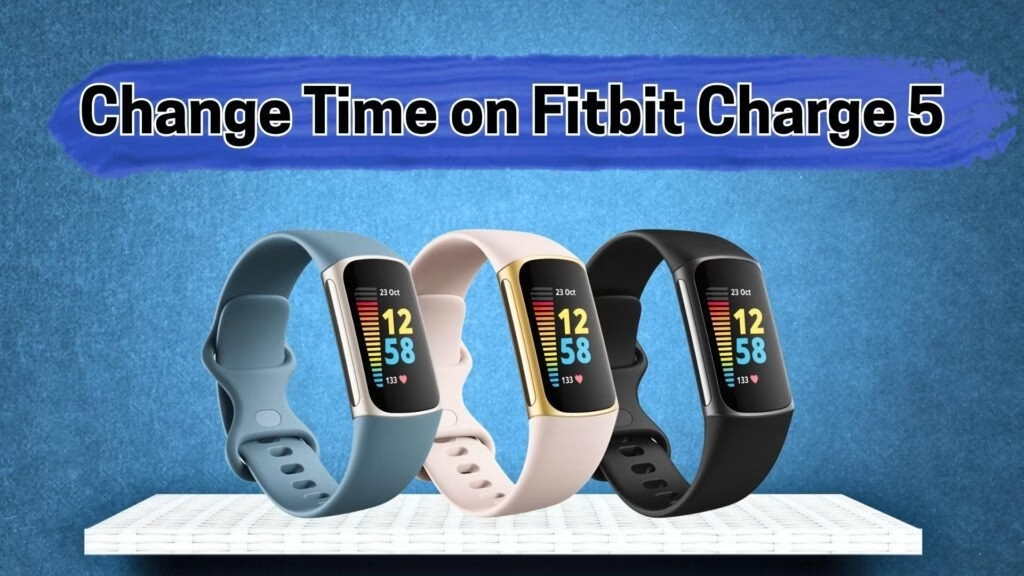
The time and date settings on the Fitbit Charge 5 are simple. You just need to confirm that your mobile and device are connected with Bluetooth. After that:
- Open the Fitbit app on your mobile and go to your profile.
- From there, select your device, which will be Fitbit Charge 5.
- Then select the Date & Time settings.
- From there, choose an automatic or manual time zone and sync the device.
Manually Change Time on Fitbit Versa 2
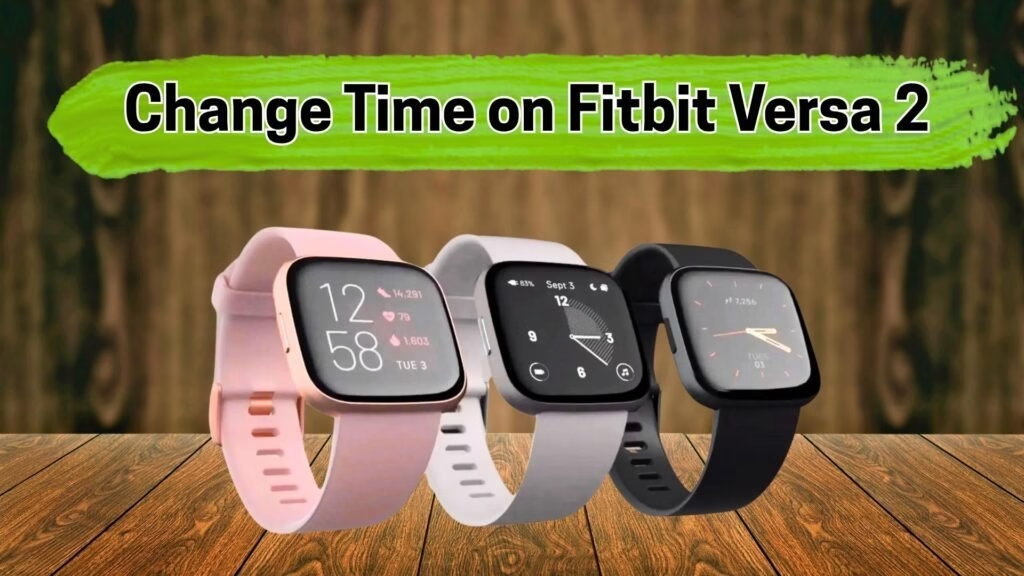
You cannot set the time manually on the Fitbit Versa 2. It works on automatic settings.If your device is connected to your mobile or laptop, then as soon as it syncs, it will correct its time automatically according to the time available on your mobile or laptop.
Resetting Your Fitbit (Factory reset) – last resort
Resetting will erase all data on the device. Only reset if all other fixes fails.
Steps:
1: First, you have to access the settings of your Fitbit device.
2: Now find the About and Factory Reset options in your settings.
3: Confirm reset.
4: Wait for the reset device. After your device resets, wait and let it power on.
5: Set up as new.
Conclusion: How to Change Time on Fitbit
In this blog you will learn how to change time on Fitbit in simple steps. Whether you are using an app, browser or sync it with your phone, fixing the date and time on any Fitbit device like the Fitbit charge 5 and versa 2 even if you are using it with your iPhone or Android. Keep your Fitbit time accurate, set your phone to automatic time zone, check the Fitbit web dashboard, force a sync and restart when needed. If all methods fail, resetting the device is a last option.
If you still face problems! tell us the model and phone OS in the comments and I will give model specific steps.
Faqs
1. Why is my Fitbit showing the wrong time?
Most of the time it happen because your phone or Fitbit account is using the wrong time zone for The automatic time zone option is done of just open the Fitbit app or dashboard check your time zone and sync your device again.
2. Can I change the time on my Fitbit without using the app?
Yes you can change your time on your Fitbit without using the app.
3. How do I make my Fitbit sync at the correct time?
First of all you need to connect your device and phone each other via Bluetooth. Open the Fitbit app, go to the today tab and pull down to refresh the page. This method updates your time automatically.
4. Can I change the time directly on my Fitbit watch?
No, most Fitbit models don’t allow direct time changes on the watch itself.