If you are wondering why is my laptop not turning on. Don’t worry this issue happens to many users. Sometimes you press the power button but your laptop cannot power on and cannot show the screen whether you use a Dell Lenovo HP Asus or any other company. The problem is usually small and easy to fix at home before going to a repair shop.
In this guide I will explain the main reason for a laptop not turning on and simple steps you can try at home without any extra knowledge. First we will check basic things like the battery charger and power button. If the issue is still not solved I will tell you what to do next and when to go to the repair shop for its advanced repair.
Table of Contents
1. Battery Might Be Fully Drained
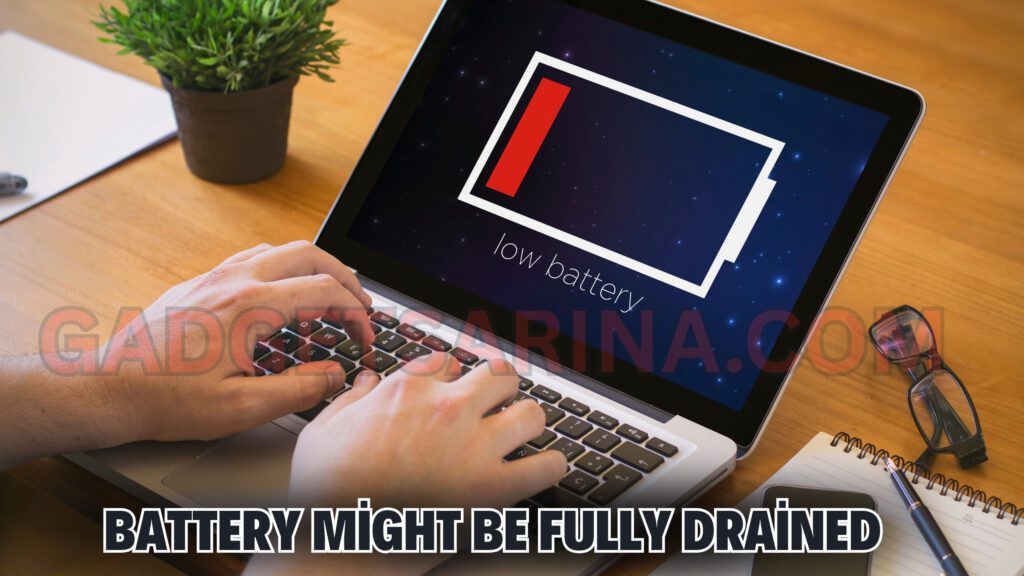
Every laptop needs a battery to power on if your laptop is not turning on because the battery is completely empty and has no charge if it won’t start even if it’s plugged into the charger.
- First plug in your charger and let the battery charge for at least 30 minutes.
- Once the battery of your laptop gets fully charged then try to turn it on.
- If the charger is plugged into your laptop but your laptop is still not charge the battery then the problem in the charger.
Check the charger:
- Sometimes the charger is fully damaged inside—the chip or IC is blown.
- Sometimes the wire is broken inside, or the charging pin (lead or jack) is damaged.
- Move the wire around a little while it’s plugged in to check.
If your battery is removable:
- Remove it and clean the battery terminals properly.
- Then put it back and try again.
- Once the battery gets a little charge, your laptop will turn on.
2. Power Button Issue
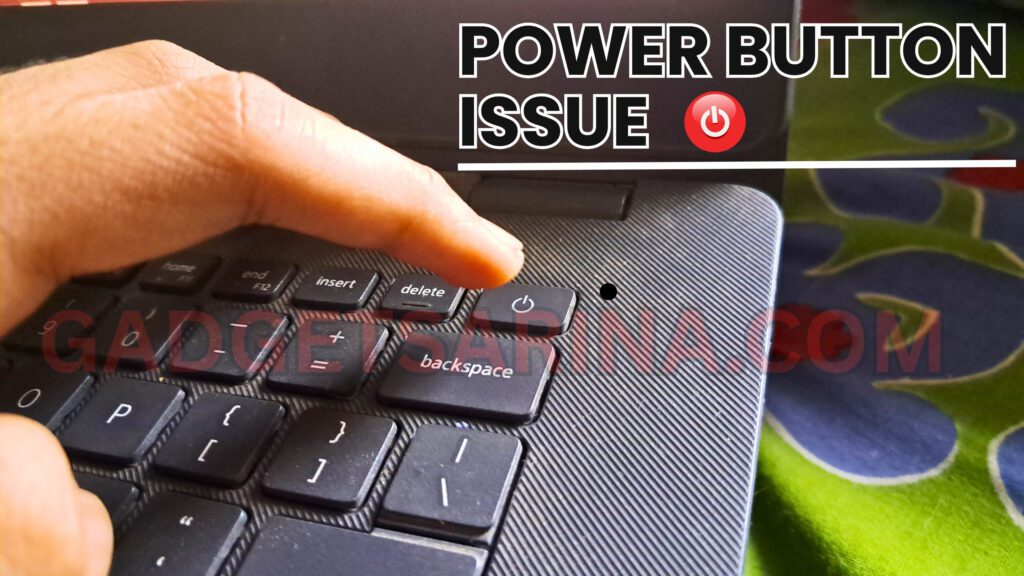
If your laptop charger is not damage and the battery is fine but the laptop does not turn on, then the issue could be with the power button.
- In the older laptops power button burn out and can’t work properly.
- Dust or carbon can get inside, which stops the button from making contact.
- Try pressing the power button hard or from the side.
- If the laptop turns on sometimes by pressing like this, then it’s a power button issue.
Solution for Laptop Is Not Turning On:
- You can open and clean the button yourself.
- But it’s better to go to a laptop technician and clearly tell them:
“There’s a power button issue.”
- They’ll only fix the power button—either by cleaning it or replacing it.
- Your issue will be solved, InshaAllah.
3. RAM Might Be Loose
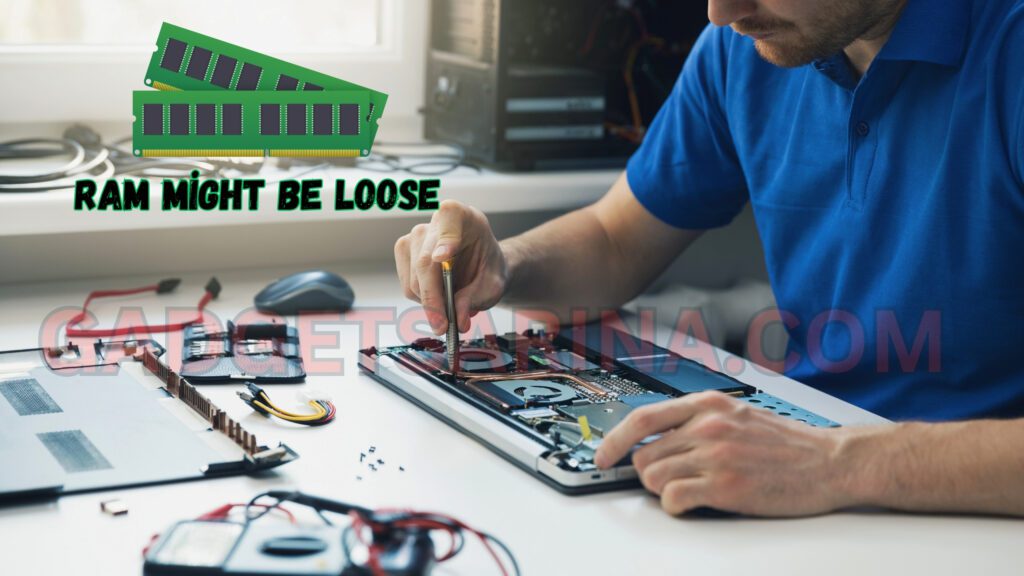
Another very common reason Laptop Is Not Turning On (or shows a black screen) is a looser or dusty RAM chip. RAM is the main source of your laptop memory, and it helps the laptop to work fast and run smooth, if it’s not properly seated, your laptop won’t turn on or may beep, blink litghs and shutdown. This is a very common issue.
- If we carry the laptop carelessly, like on a bike or during travel, the RAM chip gets loose.
- You’ll need to open the laptop and remove the RAM.
- Clean it using a pencil eraser from the golden part.
- Put it back in properly.
- Or try using the other RAM slot, if available.
Signs of RAM issue:
- If your laptop is turns on with a beep sound and blinking lights but doesn’t show a display.
- If it turns on and off automatically after beep sound.
If you clean and reinsert the RAM properly, the issue will be fixed, InshaAllah.
4. Charging IC or Charging Jack Issue (Needs Technician)
Every laptop has a charging IC. This IC controls the power coming from the charger and sends it to the battery.
When Does it Go Bad?
- Rarely, the charging IC burns or gets damaged.
- Or if you use a high-power charger, the IC may get damaged.
- Also, the female charging jack (where the charger plugs in) may have carbon or dust, which stops proper connection.
Price Range For Repairing From Service Center.
- You need to take the laptop to a repair shop.
- If it’s a charging IC problem, you can get it replaced for around $100.
- If it’s a female jack issue, it can be repaired for $30 to $100.
Conclusion: Why is My Laptop Not Turning On
At this time you know the main reasons why is my laptop not turning on and can’t find any issue for how to repair them at home with simple steps. Start by charging the battery, checking the power button and cleaning the RAM. In most cases, simple steps solve the problems at home before going to the shop.
If you are laptop still does not turn on and you cannot find any problem and cannot understand what happened to your laptop it might be a charging IC or Jack issue that is make in many laptops which needs help from a technician by going to a repair shop try these easy method first at home before taking it to repairing shop.
If you still have questions or your laptop has a different problem with any issue tell me in the comments. I will try to explain that issue in my next post.
FAQ
1.How do I force my laptop screen to turn on?
For turning on your laptop forcefully you need to (Press the Windows Key + Ctrl + Shift + B) to force a refresh of the video display/adapter.
2.How do I force my laptop to wake up?
Press the SLEEP keyboard shortcut. Press a standard key on the keyboard. Move the Mouse. Quickly press the power button on the computer.
3.What is the shortcut key to restart a laptop?
The keyboard shortcut to restart a Windows laptop is typically (Ctrl + Alt + Delete).
You can easily restart your laptop by pressing this shortcut key.