How to Factory Reset Acer Notebook: Easy Step-by-Step Guide (2026)
If you are facing problems and finding the solution how to factory reset Acer notebook with your Acer notebook or any other tech gadget like laptop or Chromebook then you come to the right place in this blog. We will guide you how to reset the Acer notebook and make it completely smooth and working condition.
If you have Acer Notebook and want to learn how to factory reset acer notebook at home without going to market so this post is ver useful for you. , make the problem restart after some time, hang during work or suddenly power off and do not work its keyboard, LED or any other input device and make glitches. And one of the most important points if you want to sell out your Acer notebook or any other gadget and you want to remove all of your personal data and files before handing it over to another person.
In some of my college days I faced these problems like my notebook not working and turn off after sometime and restart itself then someone told me about reset and someone tell me that I want to sell it but but ignore all and implement different method on my Acer and finally I shocked when after some steps My Acer notebook work properly without making any problem.
Why You Need to Reset Your Acer Notebook
There are many common reasons people look up how to factory reset Acer notebook. Some most common and popular reasons we described below.
The steps and methods that I will tell you in this blog are steps that work on many other notebooks and laptops.So you can implement these steps and methods on your laptops and notebooks.
- The laptop has become very slow or laggy over time.
- Frequent freezing crashing or unexpected restarts.
- Software conflict sir corrupted files or virus infection.
- Preparing the device to sell, donate for hand off to someone.
- Aap a forgotten Windows password.
- If you want to remove clutter and start with a clean system.
Table of Contents
Check Some Important Things Before You Reset Notebook
- The factory reset erases everything from your laptop or notebook Windows partition file that is also called (Local Disc C:) where your Windows installed, personal files stored, installed programs and settings.
- Backup your files. Copy documents photos and anything that is important for you and save them to an external device.
- Note down your important passwords and licence keys. Some softwares in your Windows for laptop that uses a licence key for reactivation or installation afterward.
- Make sure your notebook is plugged in. A reset can take up to 1 hour and more. You don’t want your battery dying Midway and do not damage your notebook during reset.
- Have your Wi-Fi details ready. You will need internet access to reinstall updates and drivers after the reset completes.
- Sign out of accounts. You need to sign out all of your personal accounts like Google Microsoft and any cloud storage apps tied to the device especially if you are giving the laptop away.
Method 1: Restart Your Acer Notebook (Soft Reset)
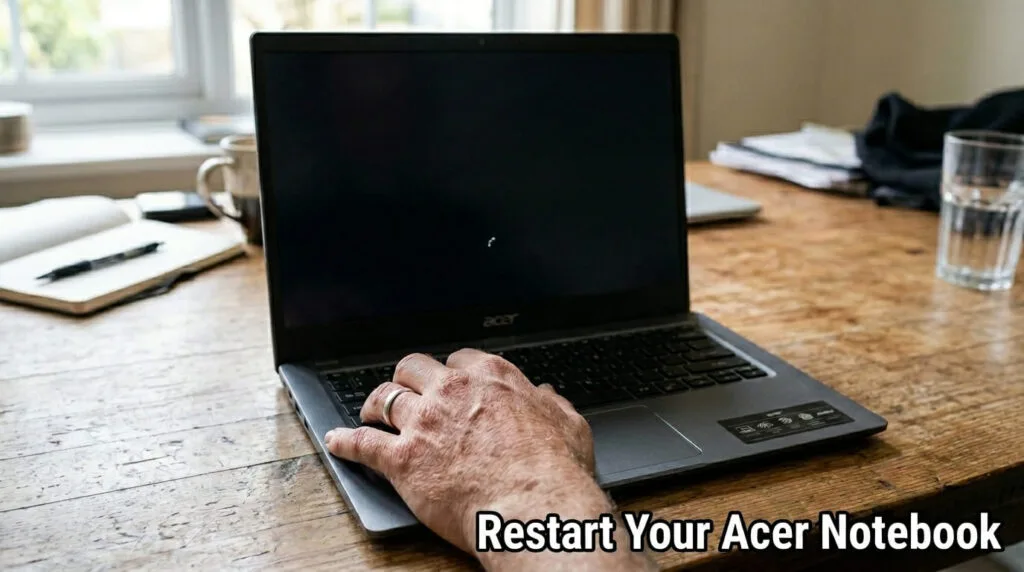
This is the simple, easy and the fastest way for your laptop or notebook to trouble shoot to solve the problem.
- Click the start menu then select power restart
- If the screen is frozen press and hold the power button for about 10 seconds until the notebook shuts down completely.
- Wait a few seconds then power it back on.
- A soft reset clears temporary glitches without touching any of your personal files and losing your data so it’s always the safest and fastest place to start.
Method 2: Reset This PC (Built-in Windows Reset)
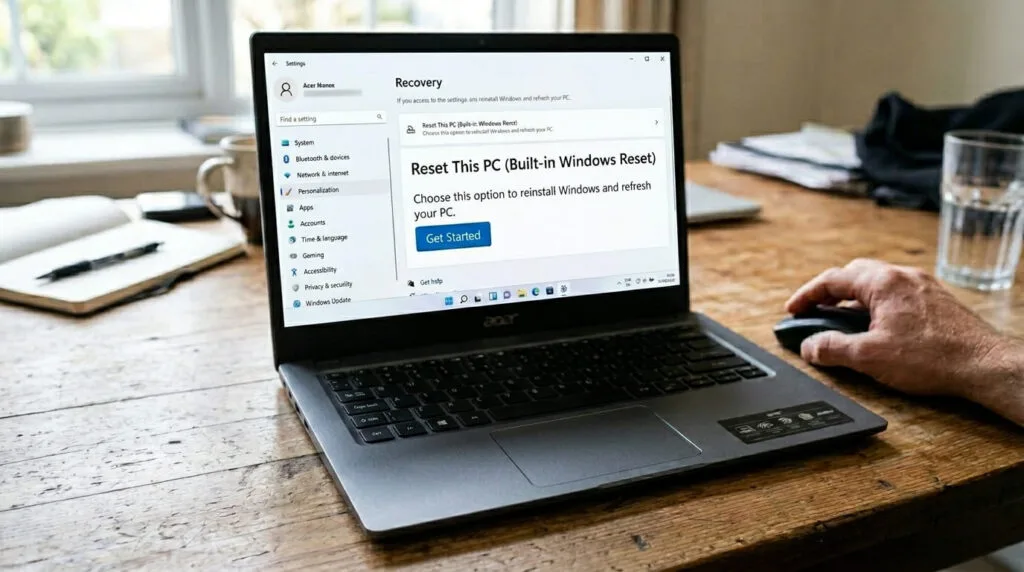
This is the most common and recommended way HOW to Factory reset Acer notebook. This function is also built in Windows 10 or Windows 11. It gives you two options between keeping your personal files or wiping everything.
- Open settings (Windows key+ I).
- Go to system>recovery.
- Under reset this PC click Reset PC.
- Choose to keep my files (remove apps and settings but keep personal data) or remove everything (a full factory style wipe).
On Windows 10:
- Open settings>update and security>recovery.
- Under reset this PC click gets started.
- Laptop your preferred option and follow the instructions.
- The process can take anywhere from 20 minutes to a couple of hours depending on your notebook’s speed and how much data needs to be processed.
Method 3: Use Acer Care Centre (Recovery Management)
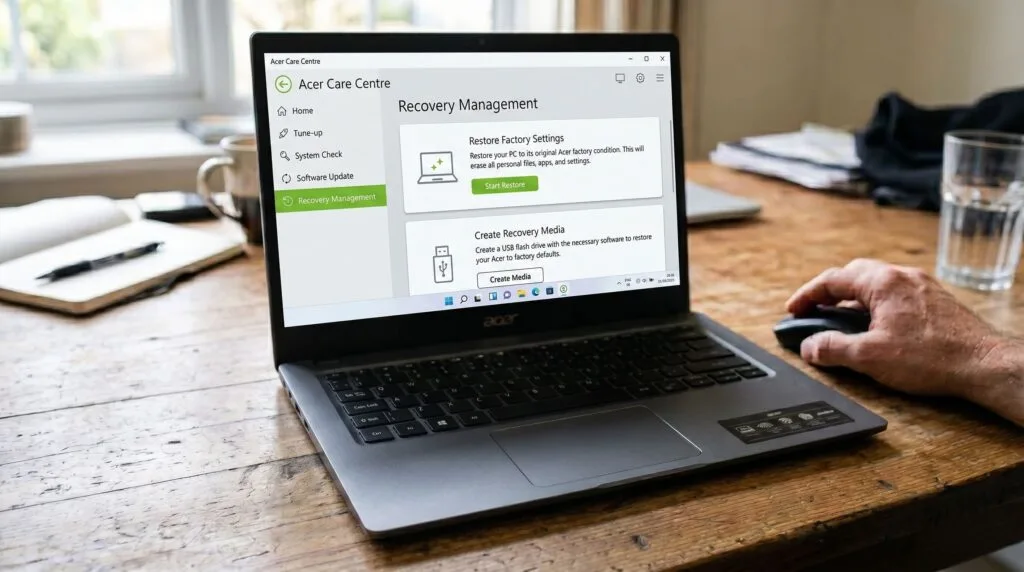
Acer notebooks come with a built-in tool called (Acer Care Centre) which offers a more guided manufacturers specific way to restore your system to its original factory state.
- Open the start menu and search for Acer care centre.
- Click on the recovery management tab.
- Select restores then choose to completely restore the system to factory defaults.
- Confirm you chose and follow the prompt to begin the process.
Method 4:How to Factory Reset Acer Notebook that Won’t Boot(Alt+F10)
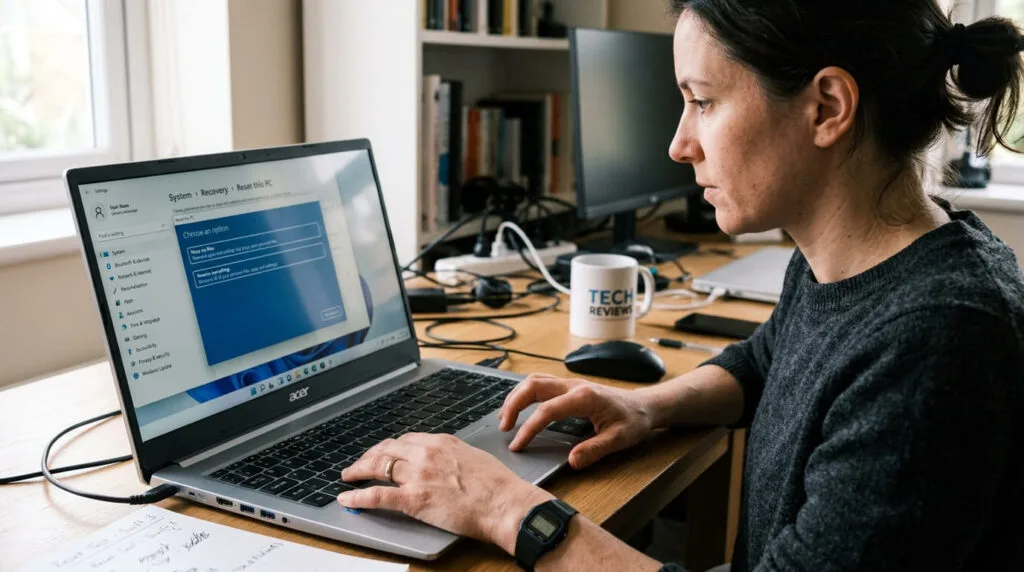
- If the notebook won’t start normally, Freeze on login or you are locked out entirely you can still access the recovery tools using a keyboard shortcut during startup.
- Turn off the notebook completely and hold the power button for 30 or more seconds to force a shutdown.
- Turn it back on and as on as the logo appears repeatedly press (Alt + F10)
- This should bring up the windows recovery environment.
- Select troubleshoot reset this PC then choose to keep removing your files.
If Alt+F10 doesn’t respond, then try interrupting the boot process two or three times in a row by holding the power button down the moment the Acer logo appears. After sometime to force interruptions Windows typically launches automatic repair which leads to the same recovery menu.
Method 5: Reset Using Windows Installation or Recovery USB
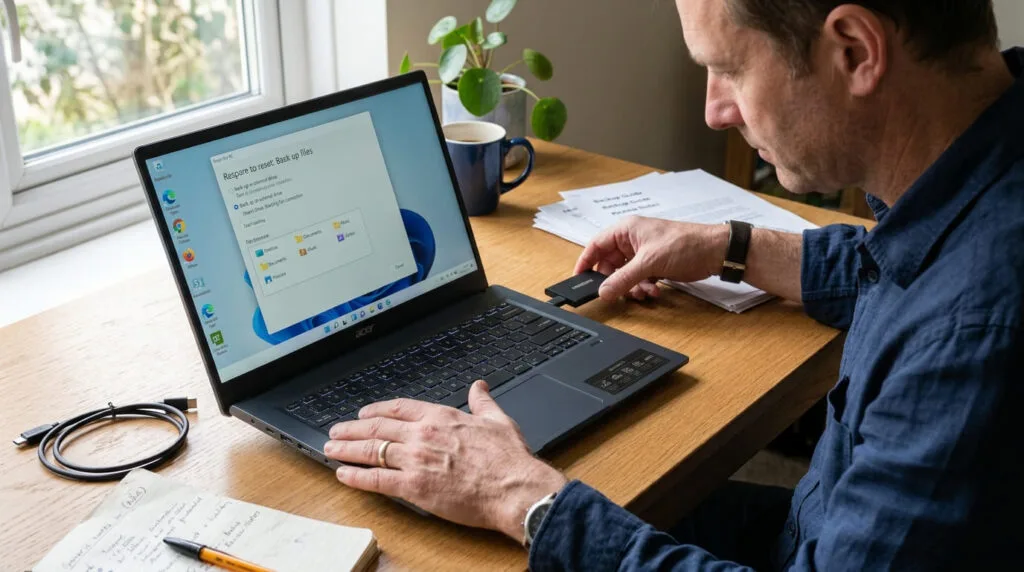
If the recovery partition on your notebook has been deleted or damaged or if Windows itself won’t load at all you will need external installation media.
- For the fresh installation you will need to download the media creation tool from Microsoft official website.
- Use it to create a bootable USB drive remember it must be 8GB or larger.
- Plug in USB into your Acer notebook and restart it.
- Press F12 (or any other Bhoot key on your notebook for boot menu)
- Select the USB drive to boot from it.
- Choose custom install then follow the prompt to reinstall Windows.
After installation the license key in your notebook that’s embedded in the firmware will automatically activate.
What Happens After the Reset Your Acer Notebook
Once your Acer Notebook finish is reset after a short setup process similar to when you first unboxed it.
- You will be asked to select your language region and Wi-Fi network.
- Windows will reinstall updates automatically which can take some time.
- You may need to reinstall your everyday apps and reconnect cloud accounts.
- Check the device manager to confirm your drivers are installed correctly.
- It is a good idea to run Windows update right away and install any acer specific drivers from the official Acer support website to make sure everything runs smoothly.
Final Thoughts: How to Factory reset Acer Notebook
How to reset your Acer Notebook or any other gadget like laptop or Chromebook you will need to backup your all important files and data because when the reset is done all of your personal data and files will be deleted and cannot be recovered. The reset option is the best option for your gadget or Acer notebook to make it defaults and run smoothly without making glitches. This is a very useful method and is understood by everyone and you do not need to go to a shopkeeper to repair it.
Frequently Asked Questions
How To Factory Reset Acer Notebook?
Many users want to learn how to factory reset acer notebook. To perform hard reset on an acer notebook power off the device to fix freezing or unresponsive black screens without using data just follow these steps.
1. Unplug the power adaptor and all external USB devices.
2. Press and hold the power button down continuously part 10 to 15 seconds
3. Release the power button
4. Plugged in power charger back in
5. Wait 5 seconds and press the power button normally to turn the device back on.
Why is my Acer laptop not booting?
To fix an Acer laptop that is not booting. Remove all external USB devices, perform a hard reset and check your storage device setting in the BIOS.
This method is very easy and many users want to learn it and some users won’t go to shop because they don’t have time so they learn this method at home from internet for how to factory reset acer notebook.
How to enable the F12 boot menu in Acer?
To enable the boot menu option on any Acer notebook follow these steps carefully.
- Turn on or restart your Acer notebook and repeatedly tap the F2 key at the Acer logo to enter the BIOS.
- Navigate to the main tab using the arrow keys locate F12 boot menu.
- Change it to enable and press F10 to save and exit.
How do I force a factory reset?
To force a factory reset on an Acer notebook or any other notebook without using the normal menus.
Turn the device off, boot into recovery mode by pressing the power button with shift key for 30 seconds. It shows the boot up options.
Are there F12 or F11 factory reset buttons?
F11 button is used for a factory reset or system recovery on many laptops especially HP and Lenovo.
F12 button is used to open the boot menu to choose the startup device like a USB or a hard disk.
There are many other ways for how to factory reset acer notebook at home and many people do it at home and solve the issues without going any shop.

About the Author
Hello Dear Visitor, I’m SAJJAD AHMAD a tech enthusiast with over 5 years of experience reviewing gadgets and solving everyday tech problems. I write simple, honest, and easy-to-understand articles to help you choose the right devices without confusion. I compare products, break down features, and share practical solutions so you can make smart buying decisions with confidence.