If you are facing problems with your headphones and finding the best solutions for how to reset bluetooth headphones that do not connect to your device or show connection errors. Here is the complete step by step guide for how to reset Bluetooth headphones. First of all, Don’t worry about it, most wireless audio devices issues can be fixed in less than 2 minutes with a quick factory reset.
Resetting your headphones clears out the old glitches, errors, connections and gives your device a fresh start. The problem is that every brand does it a little bit differently. While Apple has a physical button on the case, brands like Sony or JBL require a specific combination of volume buttons.
In this guide I will show you the best and most common and easy reset methods that work on many wireless headphones.
Why Do Bluetooth Headphones Need a Reset
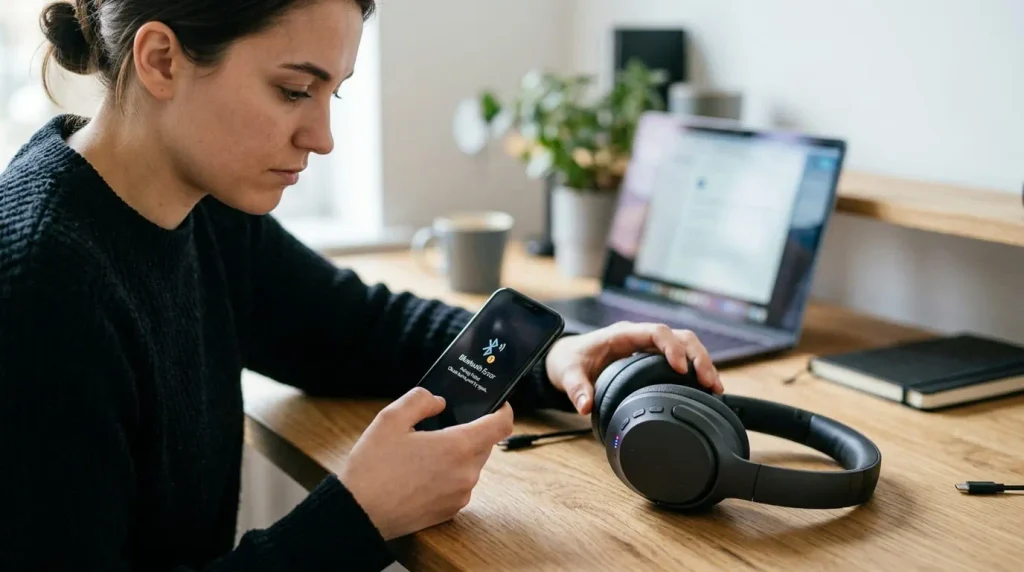
Wireless headphones are essentially small computers. When you connect them to a phone, laptop or any other devices, they store the data in their pairing memory. Over time this memory can get overloaded or confused especially if you switch between multiple devices like your phone, laptop and smart tv.
Sometimes a minor firmware glitches or a corrupted background update can cause the software to freeze and your headphones not working properly and make problems like disconnecting or not pairing with you any bluetooth device. When you reset headphones or any other device, their saved user data is cleared, allowing your headphones to start refreshing and ready for a new pair and fresh working condition.
Table of Contents
There are Four Clear Warning Signs that is Time to Reset Your Headphones
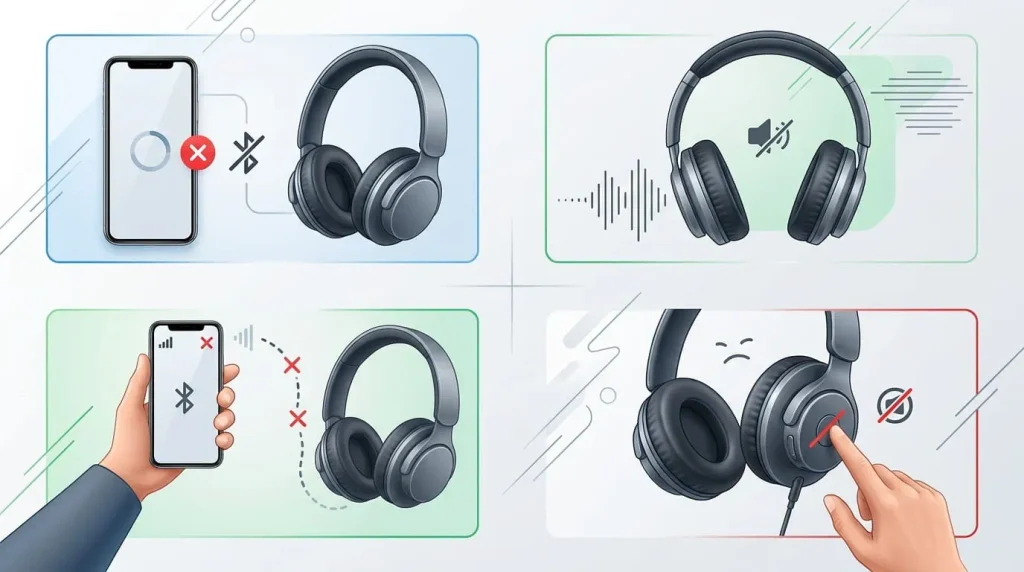
- Headphones Cannot Pair with Any Device: The bluetooth menu keeps searching, but your headphones never show in your device available devices list.
- One Sided Audio: Your headphones connected successfully but when you play any music the sound only comes from one earbud and the other earbud remains silent.
- Constant Disconnect: Your music cuts out or drops after every minute even if your phone is near to your wireless headphones.
- Unresponsive Controls: Some time when you play music and the physical buttons or touch sensor of your headphones stop working when you try to change a song or adjust the volume low or high.
(Reset) vs (Restart) vs (Factory Reset) What’s Difference?
Before doing any step or learning how to reset bluetooth headphones let’s clear some huge points of confusion.
Many people use the terms restart, reset and factory reset and they think these are different words but have the same meaning. But the truth is they don’t know the difference from them and if you know these terms and meaning of these words it’s mainly you save from accidentally wiping out your favourite settings or your pairing data with your favourite devices.
Before You Start Process Of How To Reset Bluetooth Headphones
Charge your headphones to at least 30%. Some models block reset when the battery is too low.
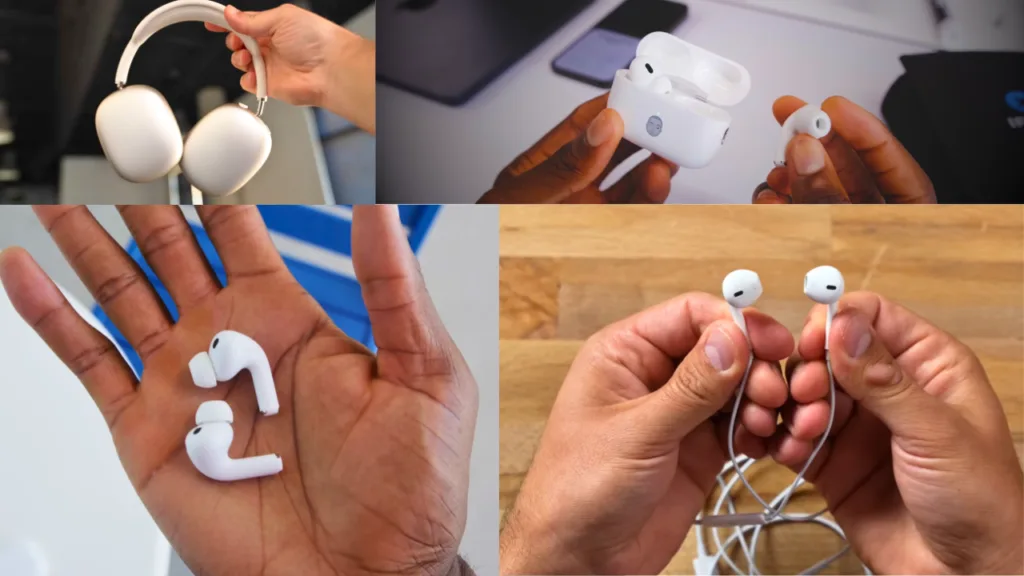
Keep the charging case nearby if you have true wireless earbuds since many resets are done through the case.
Before doing next steps make sure your phone or laptop bluetooth setting is open so you can forget the old pairing and reconnect right after.
- Restart (Soft Reboot): Restarting your headphones means turning your headphones off and on. It is like taking a quick breath. After restart your device that closes down the active background task but does not erase anything from your stored and pairing data of your headphones or any device. Earphones, laptop TV or any other device still remember the headphones data and remember it immediately.
- Reset (the Bluetooth clear): This is a deeper step of reset by clearing out the headphones pairing memory, it clears out the headphones to forget every phone, laptop or tablet. It fixes about 90% of all connection errors.
- Factory Reset (the total format): Is the strong and dangerous step. When you do factory reset of any device like your wireless headphones or any other device it completely raises the all data from your headphones and cleans every pairing data from your headphones memory.
Quick Resets Without Losing Anything
- Charging case reset .
- Place both earbuds in the case and leave the lid open.
- Press and hold the combination of reset buttons like power and volume up/down button on the case for 30 seconds.
- Wait for the lid lights blinking or change colour confirming the reset.
- Close the lid, wait for a few seconds,then reopen it and put the earbuds into pairing again.
Quick Fixes From Box Place Side
If your headphones still show errors after resetting them, consider these next steps for how to reset bluetooth headphones.
- Restart your phone and computer.
- Turn off Bluetooth on any other nearby devices like your phone,laptop and tv that might be trying to auto connect.
- Update the headphone software from the official website or app according to your company.
- Check the battery that is charged or empty and the charging case for dirt especially if you have true wireless earbuds of any brand.
- Contact the manufacturer company for how to reset bluetooth headphones if the headphones are still under warranty because if they are under warranty then you can easily return them and claim new or repair these headphones free of cost .
In my experience
In my case when I need to reset my headphones I failed two time during reset because first time for reset I hold the power button for 5 second but the headphones don’t response because I press the button for wrong time the reset required 30 second for the power button pressing and second with the power button we need a volume up and down button for reset this method is different for each brand some brand required power button plus volume down button and some models required for button plus volume down button. So we must know about each model and learn how to reset bluetooth headphones.
My Personal Opinion
In my personal opinion I will suggest some important points about reset headphones. Every time when you need to reset your headphones first of all you should read the instructions for your device on your box because every company and model have different settings for reset their devices because if you do wrong steps your device makes some more problems and errors.
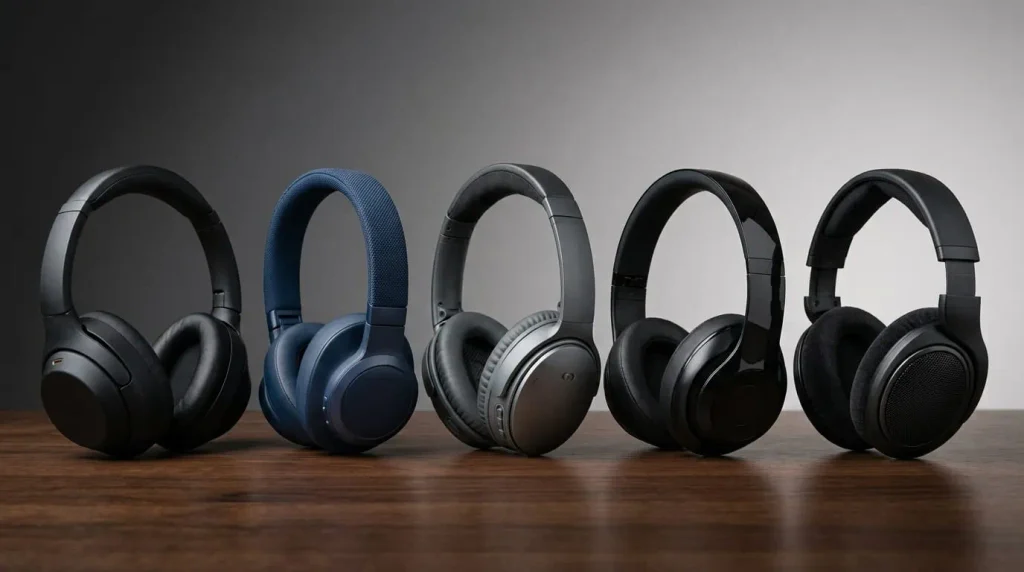
How to Reset Bluetooth Headphones: 5 Popular Brands
| Brand | Reset Steps |
| Sony | Turn off → Disconnect USB → Hold Power + Custom for about 7 seconds → LED flashes → Pair again. |
| JBL | Turn on → Hold Volume + + Power for 5+ seconds → Headphones turn off → Pair again. |
| Bose | Turn off → Hold Power/Bluetooth + Action button for about 30 seconds → Wait for reset → Pair again. |
| Beats | Turn on → Use the reset button combination for your exact model → Wait for the indicator light → Pair again. |
| Sennheiser | Turn on → Hold the Multi-function button for about 20 seconds → Release after the confirmation → Pair again. |
Conclusion: How To Reset Bluetooth Headphones
Resetting the Bluetooth headphones is a simple and fast way to fix common problems easily. If your headphones are not connecting and showing common problems, showing errors, or having unresponsive control, a reset can give them a fresh start like brand new.
Remember the reset method is different for each headphone and brand and always follow the right steps according to your model and company. After resetting your headphones, if they still show the problems, then try restarting your phone, laptop, T.V and computer. And You can check some additional problems like Checking the battery and charging ports and updating the headphone software. By trying these simple steps you can fix your Bluetooth headphones problems and work properly again without going to a repair shop.
Frequently asked questions
Will resetting my Bluetooth headphones delete my music or settings?
No, reset only clears paired device cache memory and restores default settings like volume or sound presets; it does not remove or delete any music or data because headphones don’t store music files.
How do I know the reset worked?
Most headphones confirm a successful reset with a specific light flash like yellow to red during reset which means that the reset completes or a voice prompt saying something like reset complete.
Can I reset only one earbud instead of the both pairs?
Yes, but these methods are provided in some wireless earbuds models that allow you to reset a single earbud, which can be useful if only one side is having connection problems.
How to manually reset headphones?
To manually reset your headphones, first forget or unpair them from your phone’s bluetooth settings. Then follow the manufacturer’s reset instructions, which require pressing and holding specific physical buttons until the indicator lights flashes.
How to reset bluetooth headphones of any brand?
To reset your headphones unpaired it from your connected phone then follow the bellow instructions:
Press and hold the power button with the volume button until the lights flashes.
The reset method is different for each model and each device so first of all you need to read the instructions on your headphones box.

About the Author
Hello Dear Visitor, I’m SAJJAD AHMAD a tech enthusiast with over 5 years of experience reviewing gadgets and solving everyday tech problems. I write simple, honest, and easy-to-understand articles to help you choose the right devices without confusion. I compare products, break down features, and share practical solutions so you can make smart buying decisions with confidence.