If Your iPhone Is Not Charging Properly?
If your iPhone isn’t charging properly, here is a complete guide: How to Clean iPhone Charging Port that disconnects itself while charging, or the charging percentage is stuck, then there’s a chance your iPhone’s charging port is dirty with some carbon or has dust inside. In many cases, you don’t need to visit any repair center. Just follow these steps properly. This method is very easy and will help your iPhone start charging properly again without going to the repair center.
Sometimes people think the problem is with their Lightning cable and replace it, but that might not be necessary. First, check your cable. If it works with another iPhone, but not yours, then the issue is in your iPhone’s charging port and then you need to cleaning charging port.
Table of Contents
Common Reason: Dust in Charging Port
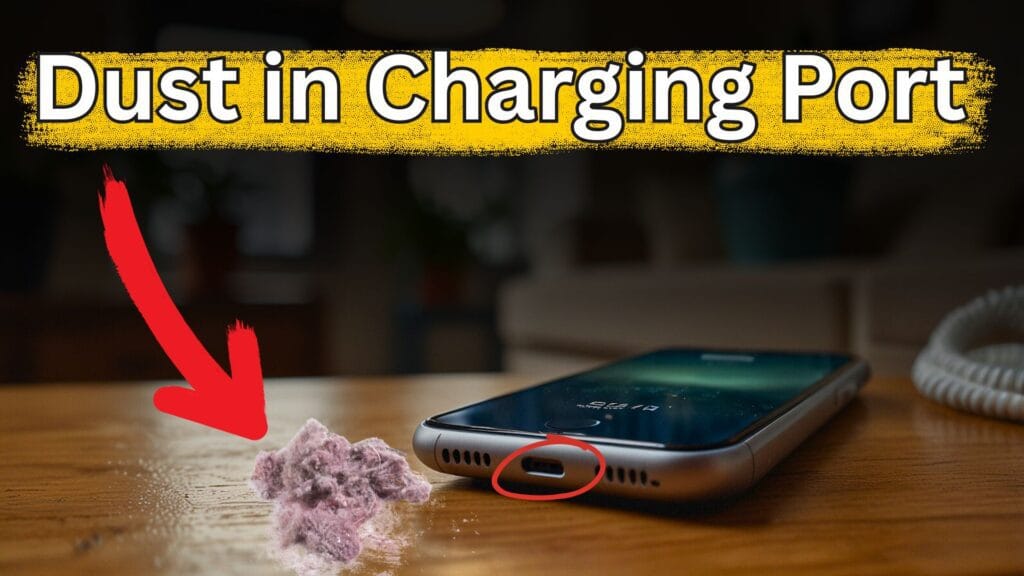
After using your phone for a long time like one year or more, dust starts to add to the charging port. This happens because we hold our phones everywhere without any safety, take them outside like dirty places like dirty roads or land, and put them in our pockets or bags. When dust and carbon build up in the port, the Lightning cable doesn’t connect properly with your iphone. You may even notice black marks on the connector, which means dust is inside.
How to clean iPhone Charging Port with Hot Glue at home
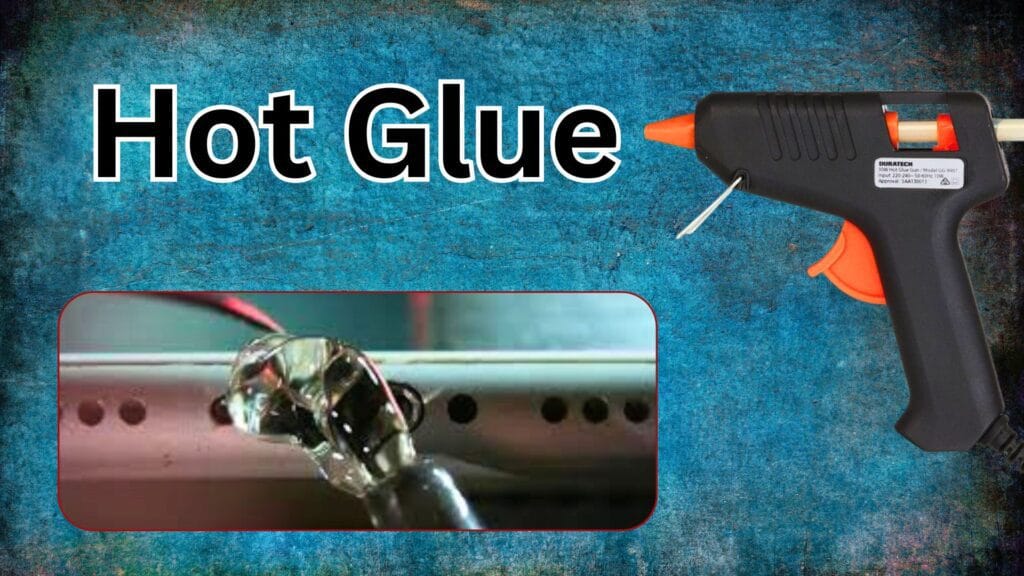
How to Clean iPhone Charging Port : charging port with hot glue is best but dangerous in many cases so be careful while cleaning the charging port with hot glue. In many cases it works perfectly and in some cases damages the device if you do this without any knowledge.
What you need:
For doing this you need a hot glue gun and a small toothpick if needed. These tools and glue you will purchase from the market easley.
Step by Step Guide How to Clean iPhone Charging Port :
Step 1: Heat the glue gun.
Step 2: Push out the small amount of glue on the charging port.
Step 3: Wait for 15 to 20 seconds to cool it for smooth working.
Step4: Pull out the glue from the charging port slowly.
Safety Tips:
Do not use the glue directly on your charging port with high temperature, because it damages the port points and your phone charging port is damaged permanently, So be careful while cleaning it with glue.
How to Clean iPhone Charging Port with Compressed Air
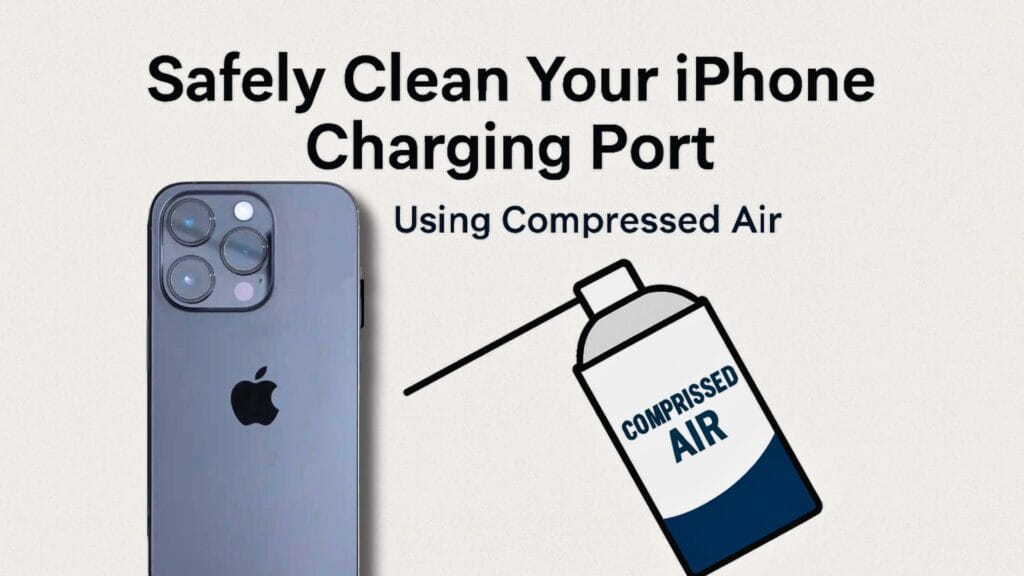
This is an easy and simple method to clean your charging port with this. Here is a full guide for how to clean the charging port. Please follow all the instructions carefully and implement it on your phone. And this method works on both iPhone or Android devices, So both users clean their phone charging ports at home.
How it works:
First, turn off your phone completely to avoid any electrical damage and then grab the compressed air that is specially designed for phones and electrical devices and teh put the nozzle away 2 inches from your charging port and to avoid inserting the nozzle in the phone charging port.
Important Notes:
- Do not use compressed air with high pressure.
- Always keep the can upright
- If the charging issue persists then visit the nearest shop. And try different cables or contact the Apple Store or other device phone store.
No Need to Visit Service Center – Clean at Home
Cleaning the charging port with alcohol at home is easy. Service centers do the same thing we’ll show here. It’s safe and simple.
What You’ll Need:
- Rubbing Alcohol (can order from Amazon)
- If not available, use Petrol or Acetone as a home solution
- Dental Tool or a thin needle (like a sewing needle)
- Toothbrush (the kind you use in the morning)
- Cotton (Like a hard clothe)
Step–by–Step Cleaning Guide at home
- Arrange Tools: Get rubbing alcohol or petrol/acetone. If rubbing alcohol isn’t available, petrol or acetone can work temporarily.
- Use a Thin Tool: If you don’t have a dental tool, you can use a needle or a pin to clean the port.
- Use a Toothbrush: Make sure it’s clean and soft. This will help remove the dust without damaging anything.
- Use Cotton: This will help absorb the dust or liquid.
Now let’s start:
- First, remove any case from your iPhone.
- Then, add 1–2 drops of rubbing alcohol (or petrol/acetone) into the charging port.
- Wait for 2 minutes.
- Take a piece of cotton, place it over a needle or pin, and gently insert it into the charging port.
- Move the pin lightly inside to clean the dust.
- Don’t press hard, or it might damage the port.
Now:
- Use the toothbrush to brush the port gently.
- After cleaning, leave the phone for 5 minutes.
- Then try plugging in your charging cable again.
If the port was dirty, you’ll see black dust on the cotton. That means the cleaning worked.
Important Safety Tips
- Don’t press too hard with any tool inside the charging port.
- Don’t use too much alcohol. Just 1–2 drops are enough. Too much liquid can go into the speaker or phone and cause more damage.
- If using petrol, stay away from fire. Petrol catches fire easily.
- Make sure no bristle from the toothbrush gets stuck inside. Check the port with a torch afterward.
- Never open the phone at home without proper knowledge. You might damage it completely.
Best Protection for Charging Port
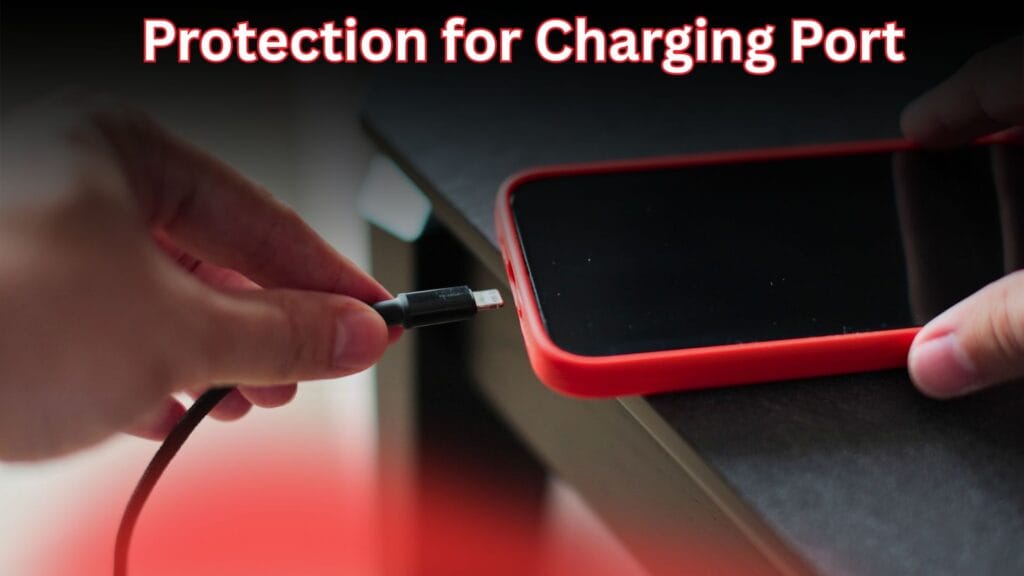
- Always use a phone cover that has rubber or extra protection on the charging area. This stops dust from entering.
- Avoid using low-quality or fake charging cables that are mostly available in small or unauthorized shops. They can leave carbon on the charging port soon and regularly, which damages the connector points faster.
Finding a Nearby Repair Center
If you still face issues, visit a repair center. Here’s how to find one:
- Open Google Maps
- Turn on your location
- Search “Apple Repair Centers and Shops Near Me”
- Accept permission
- You’ll see a list of nearby shops with names and locations
Final Words
If your Apple Phone wasn’t charging due to a dirty port, this guide will help you clean the charging port of your iPhone and fix it at home without going to the market repair center. If you like our guide or this helpful or have any questions, comment on our blog. Share this blog with friends too.
Faq’s:
How do I clean my charging port?
Here are many solutions to clean the charging port of your phone either its iphone or android.
You can clean the port with petrol and alcohol with a toothbrush.
What is the best thing to clean charging ports with?
The most easy and simple way to remove dust from charging ports is brush and compressed air.
Can we open and repair our phone at home?
No, It’s not recommended to open your phone at home for repair. It is too dangerous. Because you don’t have any knowledge and damage the device more.

About the Author
Hello Dear Visitor, I’m SAJJAD AHMAD a tech enthusiast with over 5 years of experience reviewing gadgets and solving everyday tech problems. I write simple, honest, and easy-to-understand articles to help you choose the right devices without confusion. I compare products, break down features, and share practical solutions so you can make smart buying decisions with confidence.