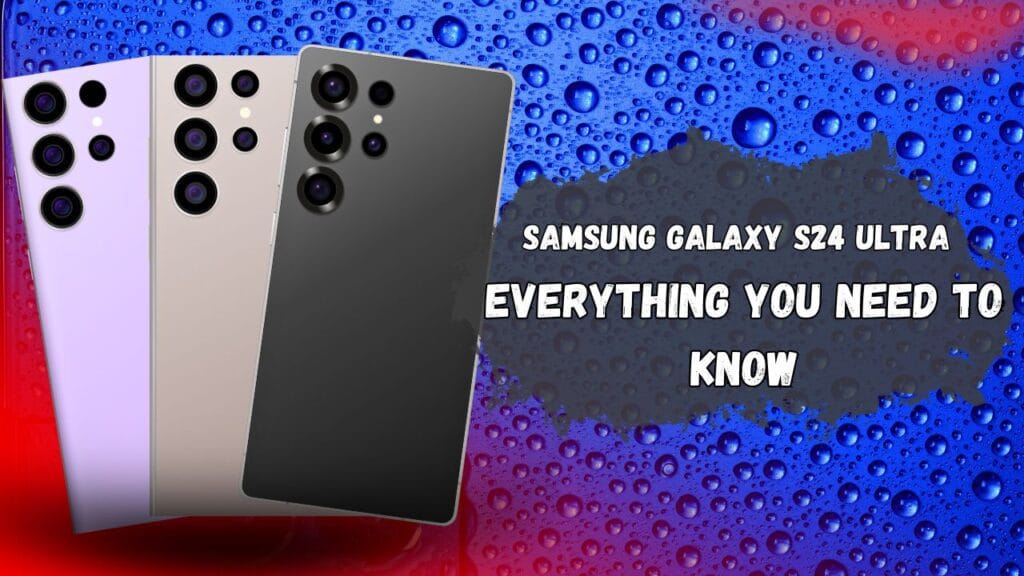
In this blog we will share Samsung phone layout ideas that can change the look and style of your phone home screen.You can customize your screen apps icons wallpapers and widgets to give your Samsung phone a more personal, attractive and stylish look.
We will also show you some simple useful layout ideas that you can try on your Samsung phone.
Table of Contents
Why People Change the Look of Their Samsung Phone
Some people like to give their Samsung phone a new and premium look and they have tried many different methods,and this method makes their device different from others. By changing their home screen wallpapers, icons of apps, themes, or cases, anyone can adjust the phone according to their needs or match it with their lifestyle. In this pro guide, we will share some simple layout ideas that you can use to make your Samsung phone unique and customized to your style.
What Does Phone Layout Mean?
The meaning of the phone layout is simple. A phone layout is the way your home screen is organized and displayed. It includes your apps wallpape,r folder and other data. You can move, resize, add or remove these elements to create a home screen that fits your needs.
Why It Matters
The layout affects both function and style. It makes your Samsung phone easier to use, more organized, and unique in appearance. Customizing helps you use the phone comfortably and without difficulty.
What Is Included in a Phone Layout?
- Apps – The application icons that you can arrange or customize.
- Widgets – Small tools that provide information without opening an app, such as weather, date, or time.
- Icons – The symbols of your apps that let you recognize them quickly. They show the app’s identity in image form.
- Wallpaper – The background image on your home screen. Whether you are on the lock screen or using apps, the wallpaper is always visible behind them.
- Folders – A place where groups of apps are stored together in one section.
Why These Are Important
Icons, folders, and widgets make the phone easier to use. They help you understand an app’s purpose at a glance and find it quickly without wasting time.
Easy Samsung Phone Layout Ideas
1. Simple and Clean Layout
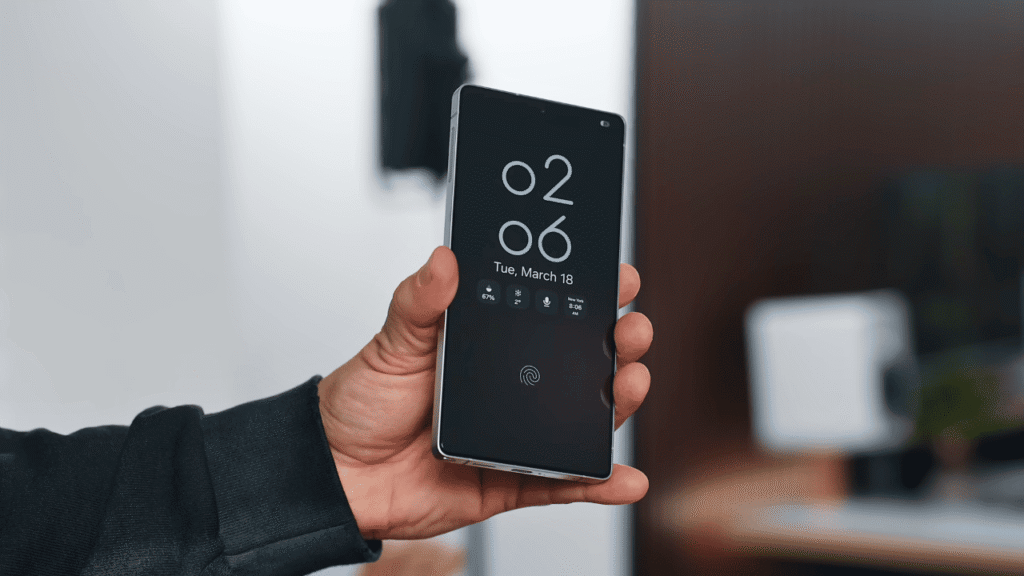
- Keep only the necessary apps on the home screen.
- Use a plain and simple wallpaper.
- Best for people who like a fresh and clear look.
2. Colorful and Fun Layout
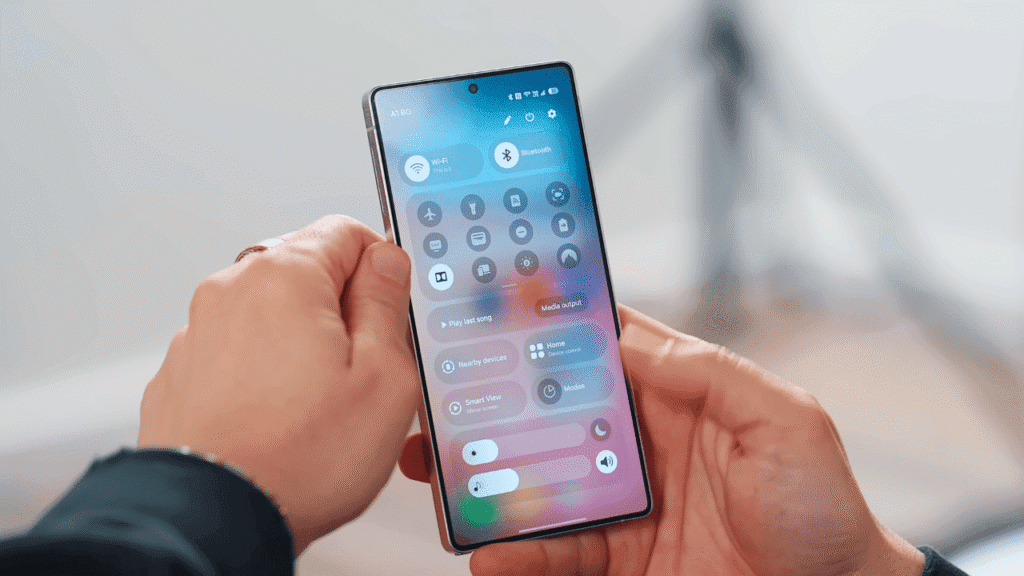
- Choose bright and attractive wallpapers.
- Use matching icons to create a theme and better style.
- Add widgets like a clock or weather display for a beautiful design.
- Great for people who want their phone to look creative and lively.
3. Productive Layout
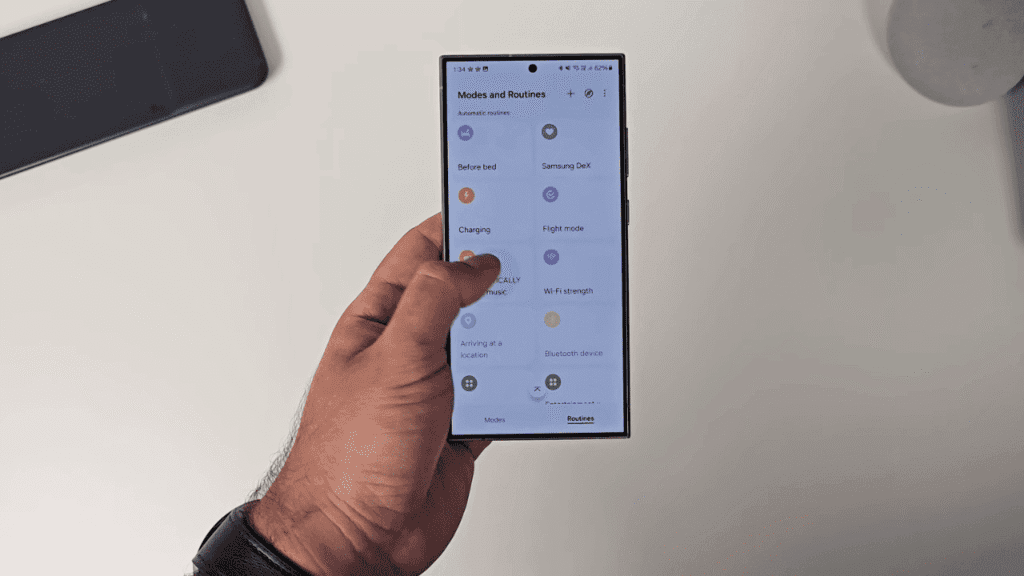
- Place apps like calendar, notes, and email on the main screen.
- Add a to-do list or task manager widget for quick access.
- Helps save time and stay organized while working or studying.
4. Gaming Layout
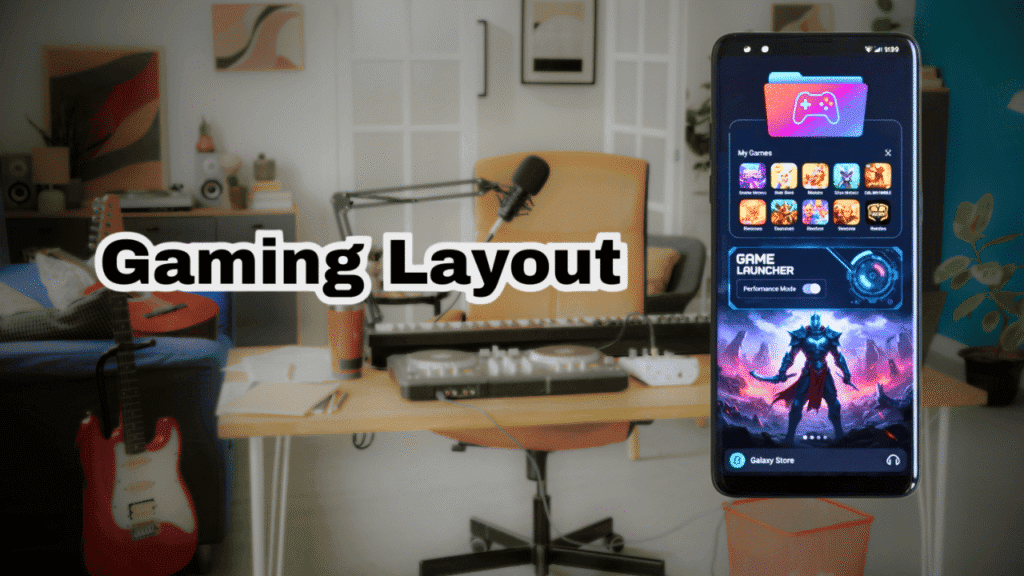
- Create a folder for all your favorite games.
- Use Samsung’s default Game Launcher.
- With Game Launcher, you can access your gaming apps faster.
5. Family and Kids-Friendly Layout
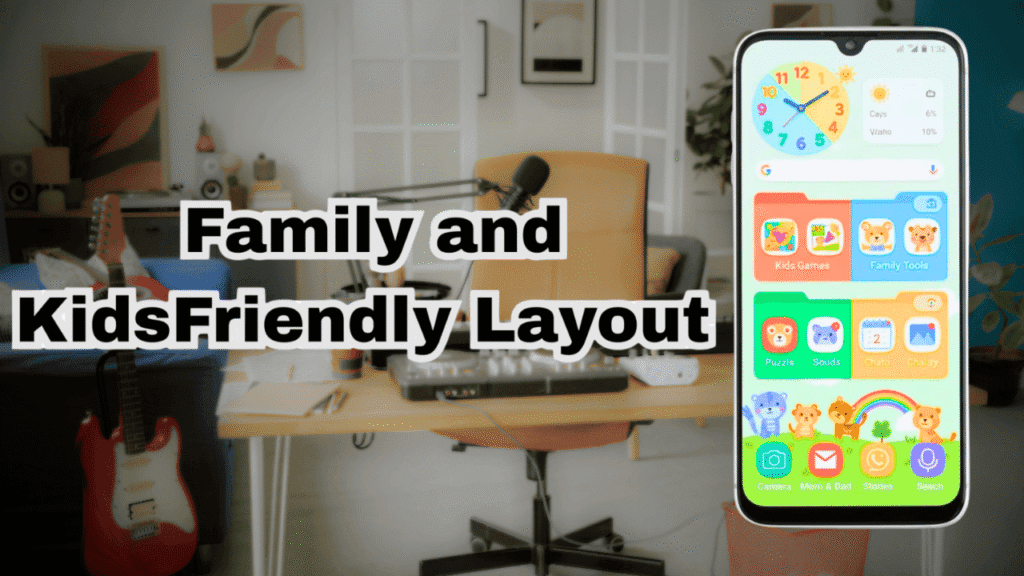
- Place kids’ apps and family tools together on the home screen.
- Use colorful icons and widgets to make the display more attractive.
Samsung Phone Layout Ideas Comparison Table
| Layout Type | Best For | Key Features |
| Simple & Clean | Minimalists | Only essential apps on screen, plain wallpaper, no clutter. |
| Colorful & Fun | Creative users | Bright wallpapers, matching icons, fun widgets like clock or weather. |
| Productive | Students & Workers | Calendar, notes, email on main screen, task manager widget for quick access. |
| Gaming | Gamers | Game folder, Samsung Game Launcher, faster access to gaming apps. |
| Family & Kids | Families & Children | Kids’ apps on home screen, colorful icons, easy-to-use layout. |
How to Change Your Samsung Phone Layout (step-by-step)
- Long press an empty area on your home screen.
- Open home screen settings.
- Adjust the home screen grid size.
- Add, remove, move or resize widgets.
- Place useful widgets such as the clock, calendar or weather on your home screen.
- Change your wallpaper and theme.
- Open the Galaxy store to explore available themes.
Samsung Good Lock Official Customization App
Samsung Good Lock for Extra Customization. Samsung good lock is an official Samsung customization app that gives you more ways to personalised your home screen. Depending on your device and One UI version you can use different good locmade use to customize the home screen on your Samsung phone. You can download good look from the Galaxy store it is available for your Samsung device.
Extra Tips for a Better Layout
If you want to make your phone layout more beautiful and unique and feel premium, you can try these simple tips.
- Try dark mode– Gives your phone a clean look and can be more comfortable to use at night and saves your battery .
- Use a folder– Group similar apps together to keep your screen neat and clean and you can easily find your favourite app using the folder.
- Separate screens– Use one screen for work apps and second for personal use.
- LockStar – Lets you fully change the look of your lock screen. You can move the clock, add widgets, and choose different unlock styles.
- Home Up – Helps you redesign your app drawer and folders. You can make folders look stylish and change how apps are arranged.
- Theme Park – Allows you to create your own custom themes using your favorite colors and wallpapers.
- Task Changer – Lets you change how recently used apps appear when you open the multitasking menu.
- Edge Panels – quick shortcuts
- Always On Display customization
- One Handed Mode –for easy use
These features give you more control over your Samsung phone and make it look exactly how you want.
Can We Change Layout on Every Samsung Phone
Yes absolutely you can change or customise themes and wallpaper on any Samsung phone and customise them for your Needs. It is important to customize your home screen for your use because after customizing your home screen you can easily use your phone and find your favourite apps fast.
Why you Need to Change your Home Screen Layout
A customized home screen can make your Samsung phone screen easier to use. You can keep your most used apps and shortcuts where you can find them quickly. A clean layout can also reduce collector and give your phone amor personal look.
It is Safe to Change and Install Theme
Yes it is completely safe to change and install a new theme in your Samsung mobile phone from their official store. Because it is protected by the security and not any virus included in any theme.
Conclusion: Samsung Phone Layout Ideas
In the above blog we explain every type of guide that helps every user for Samsung Phone Layout Ideas. Samsung phones give you many ways to customise your home screen and make your device look more attractive beautiful and personal. You can try a simple, productive, colourful, gaming and family friendly layout depending on your needs. You can also use widgets, wallpapers, themes, folders and available customization tools to create a layout you like.
The Samsung phone layout is the one that makes your phone easy to use and matches your personal style.It is safe to change or customize themes in Samsung phones because no important data will be removed. It is 100% safe from any malware or virus.
FAQ’S
Q1. Can we change the theme of any Samsung phone?
Yes, Most Samsung phones allow you to change the theme, wallpaper, widgets and home screen layout. Available options may vary by model and One UI version.
Q2. Can we download and install a third party app for layouts and themes?
Yes, But you can download and install third party apps only from trusted sources on your phone to change the theme and layout of your Samsung phone.
Q3. Is it safe to change the theme of any phone?
Yes, changing a theme using Samsung official customization option is generally safe. For third party apps use trusted sources and check permissions before installing them into your phone.
Q4. Can we purchase themes from Samsung’s official store?
It is possible to pay for a paid theme on a Samsung phone to change the home screen layout.

About the Author
Hello Dear Visitor, I’m SAJJAD AHMAD a tech enthusiast with over 5 years of experience reviewing gadgets and solving everyday tech problems. I write simple, honest, and easy-to-understand articles to help you choose the right devices without confusion. I compare products, break down features, and share practical solutions so you can make smart buying decisions with confidence.